Modulate
A Modulator takes a source and points it at a target. The other settings shape how strongly and how often.
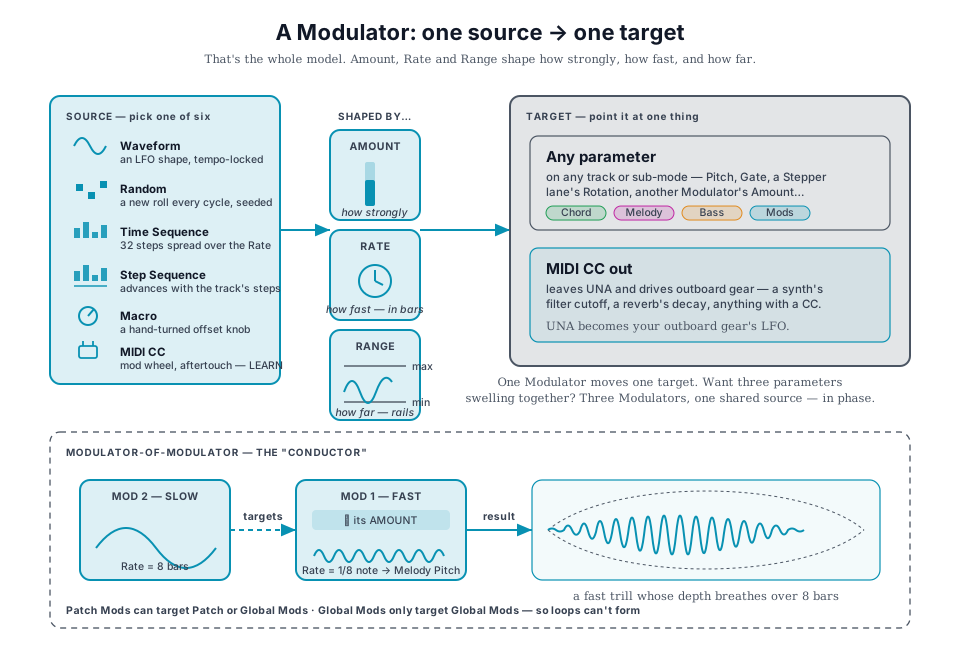
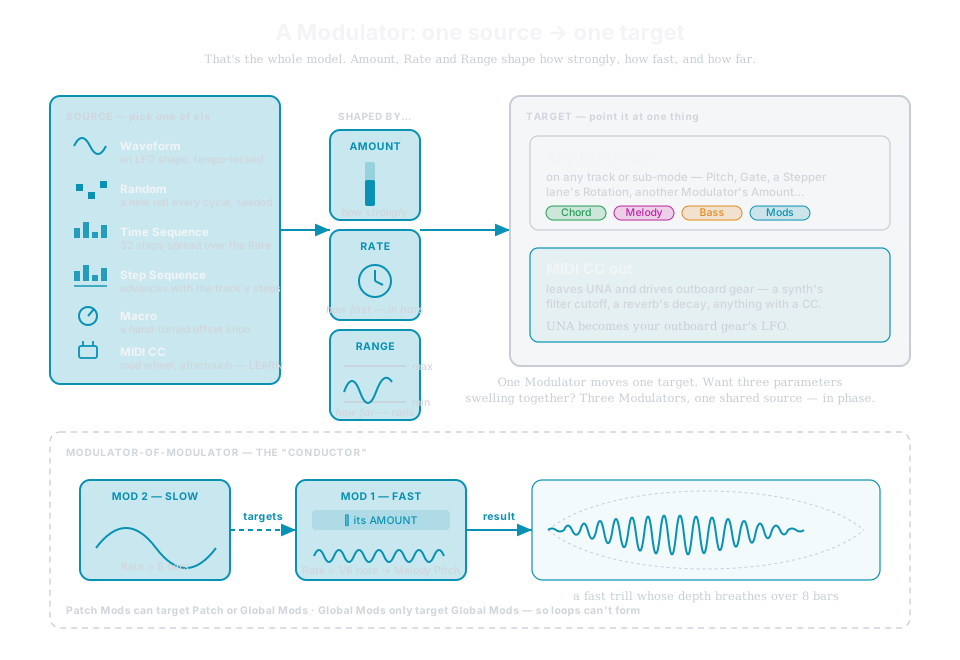
Sources (six): Waveform (LFO, tempo-locked) · Random (seeded) · Time Sequence (32 steps over the Rate) · Step Sequence (locked to the track's steps) · Macro (a hand-turned offset) · MIDI CC (mod wheel, aftertouch - LEARN).
Targets: any parameter on any track, another Modulator's Amount, or a MIDI CC out that leaves UNA and drives outboard gear.
Two scopes
- 8 patch Modulators (cyan) - song tools, saved with the patch.
- 16 global Modulators (green) - studio tools; they keep running when you switch patches.
Patch mods can target global mods; globals only target globals - so loops can't form.
Range - how far, and which way
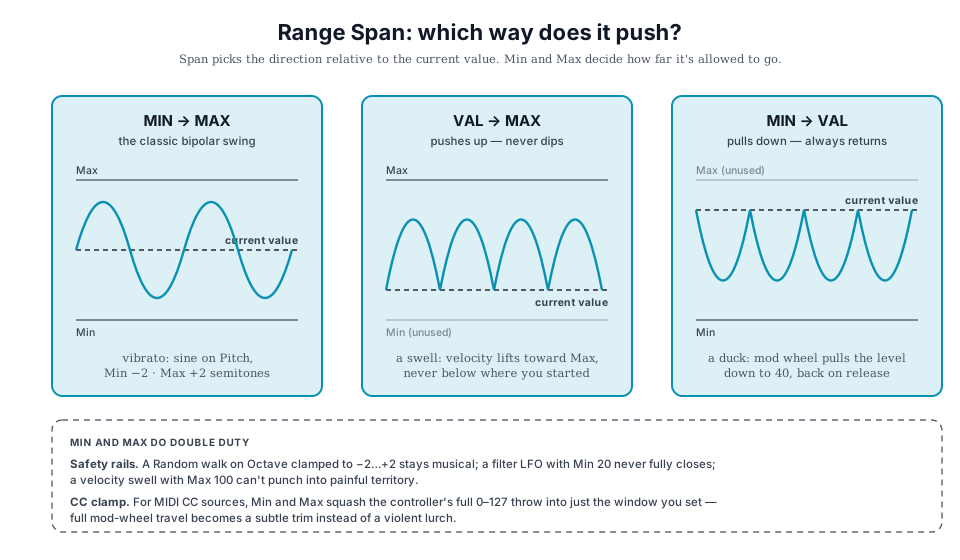
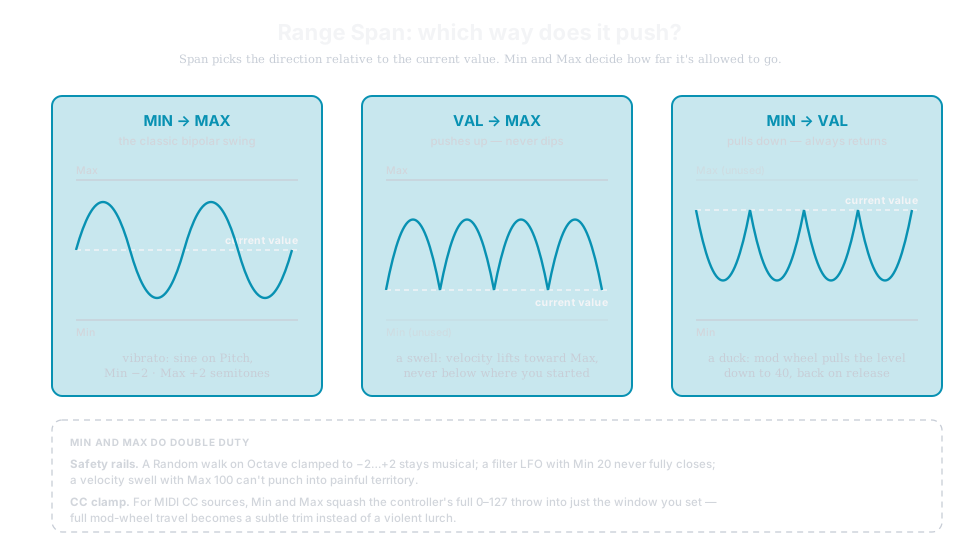
Range Span decides direction from the current value: MIN → MAX swings bipolar around it · VAL → MAX pushes only up · MIN → VAL pulls only down. Min/Max clamp how far - safety rails for wild sources (a Random on Octave stays musical), or a mapping clamp for incoming CC (full mod-wheel travel becomes a subtle trim).
The live gestures
On the Modulation page, without entering any editor:
| Gesture | Does |
|---|---|
| Quick press a PARAMETER Knob | Fire that one-shot for one Rate period |
| Hold a PARAMETER Knob | Loop it until release, then land at the period boundary |
| CONTROL + press | Toggle Continuous ⇄ One-shot in place, phase preserved |
| CONTROL + rotate | Temporary Amount push - snaps back on release |
→ Manual Ch 12 - Modulate for the edit pages, the wave diagram, and the worked recipes.