Melody & the Stepper
The Melody Track turns the current chord into a line. Shape it two ways: parameters (broad strokes - octave, steps, gate, velocity, direction, time) and the Stepper (per-step control of eight lanes).
CAPTURE records a melody from your keyboard - realtime with optional count-in, or step by step at your own pace. The record flow is the same everywhere on UNA. → Manual Ch 9 - Melody Mode
The Stepper - eight lanes, 32 steps
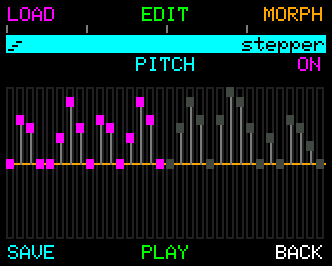
Each lane is an independent step sequence over the melody: Pitch, Gate, Velocity, Slice, Octave, Channel, Delay, Layers. Lanes have their own lengths:
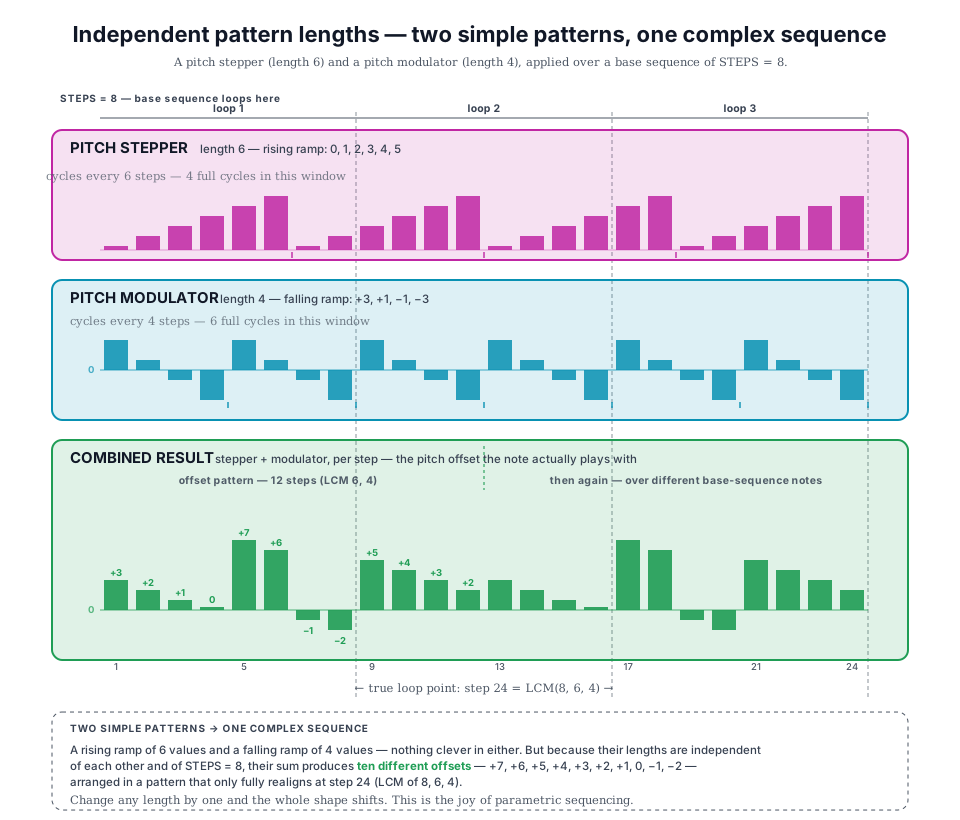
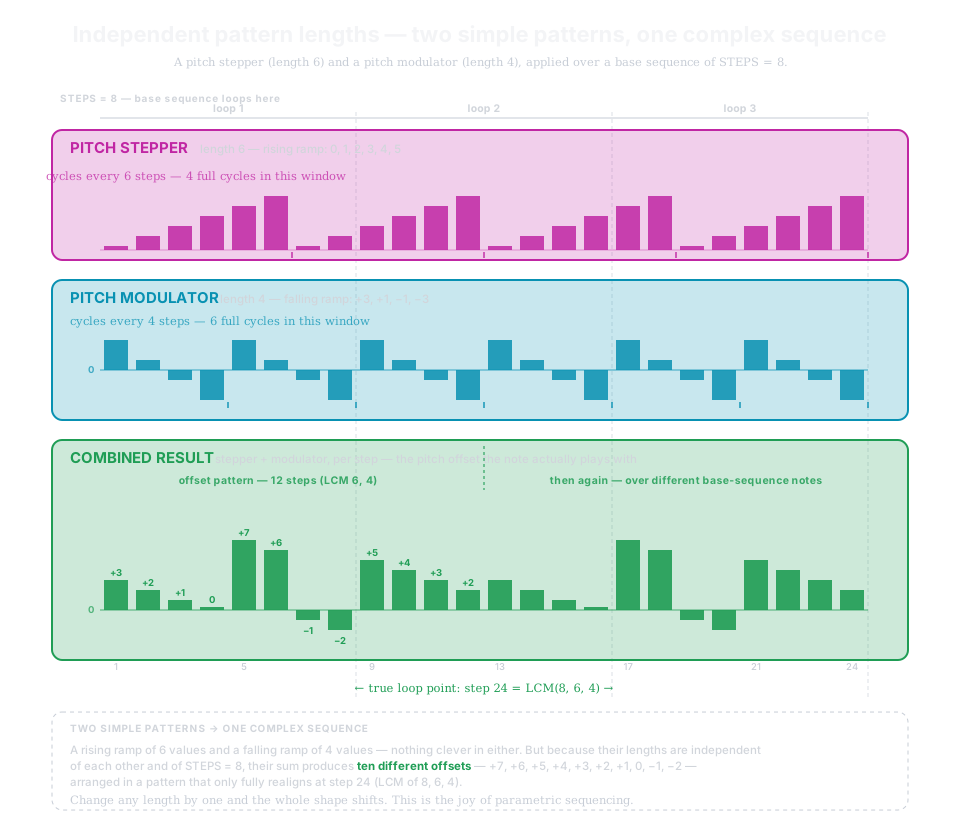
STEPS doesn't limit the true sequence length. Patterns of different lengths drift out of phase and only realign much later - two simple patterns make one long, complex sequence. → Manual Ch 10
| Stepper action | What it does |
|---|---|
| EDIT | Step-by-step lane editing: rotate CONTROL to move, press-and-rotate to change a value. MULTI selects blocks; special values: TIE/SLIDE on Gate, ACCENT/MUTE on Velocity. |
| LOAD | Factory patterns, your saved patterns, or random generation as a starting point. |
| MORPH | Transform the whole lane - shape, filter, morph amount - instead of editing step by step. |
| SAVE | Build your own pattern library, 16 user slots. |
| ON / OFF | Enable or disable the displayed lane; the button lights when on. A quick press of the CONTROL Knob does the same. A disabled lane keeps its values but stops contributing. There's no transport on this screen. |
→ Manual Ch 10 - The Stepper for lane-by-lane detail and the worked recipes.