Patches & Recording
Patches and banks
A patch is a complete musical setup: all three tracks, the chord chain, the stepper lanes, the patch Modulators. What a patch doesn't include: device-wide settings (MIDI routing, clock, globals) - those persist as you switch.
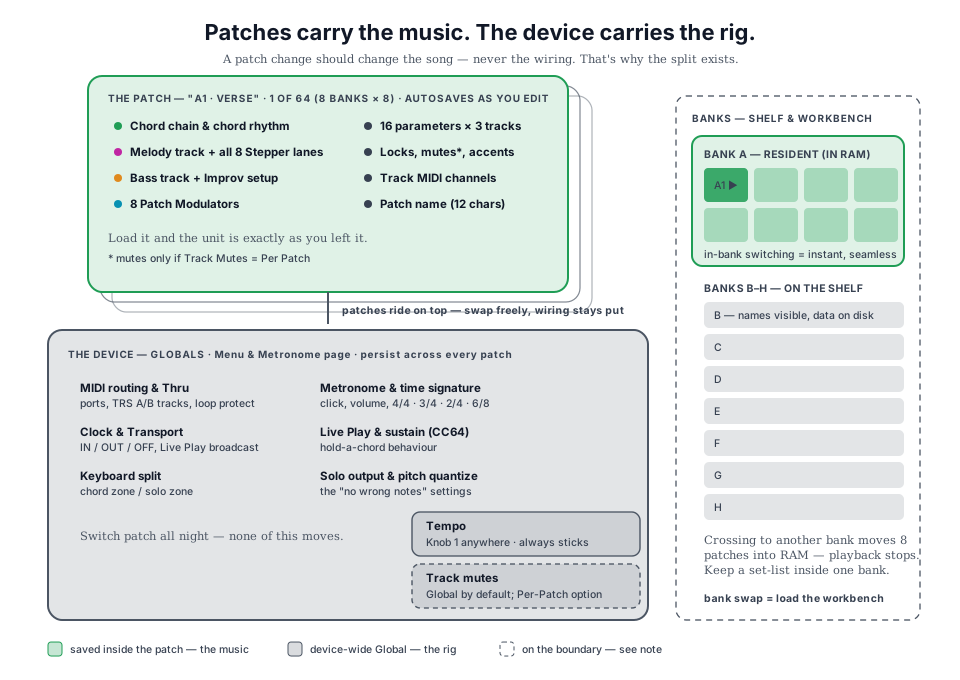
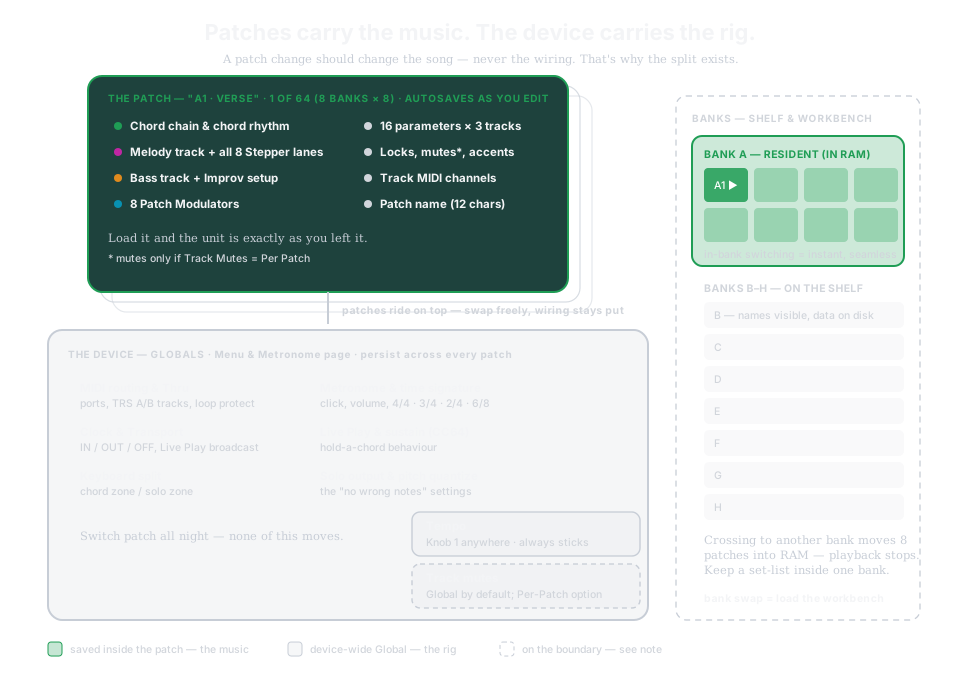
- Autosave - edits write to the current patch as you make them.
- Patch Load is a grid browser: press PATCHES on Home. Loading within a bank is instant.
- Tap CONTROL on Patch Load for the patch tools - rename, copy, and the chain toggle. Patch Chains sequence whole patches - your arrangement, played link by link; a manual load always wins and disengages the chain.
- Back up everything to Midicake CONNECT over USB.
→ Manual Ch 14 - Patches & Banks
One record flow, everywhere
Melody, Bass, Chord Chain, Chord Rhythm and Patch Chain all capture through the same state machine:
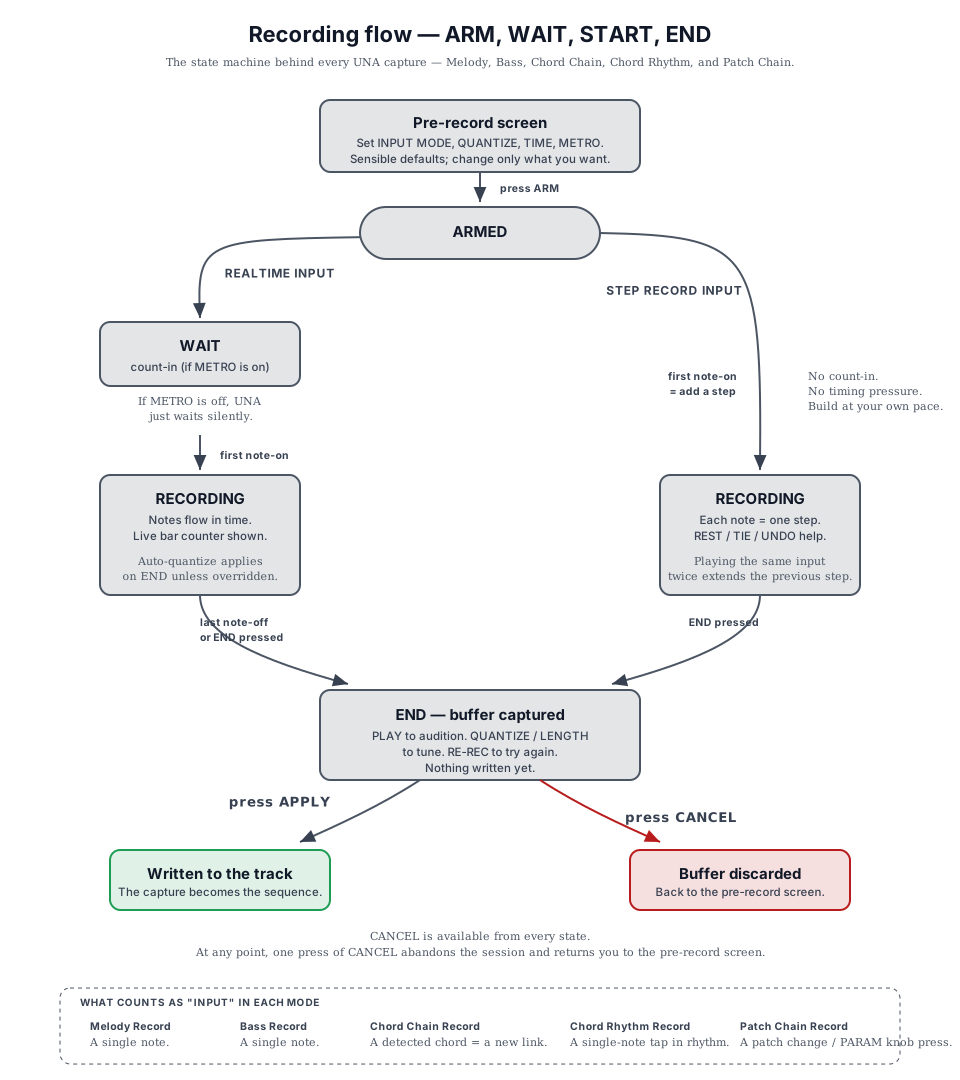
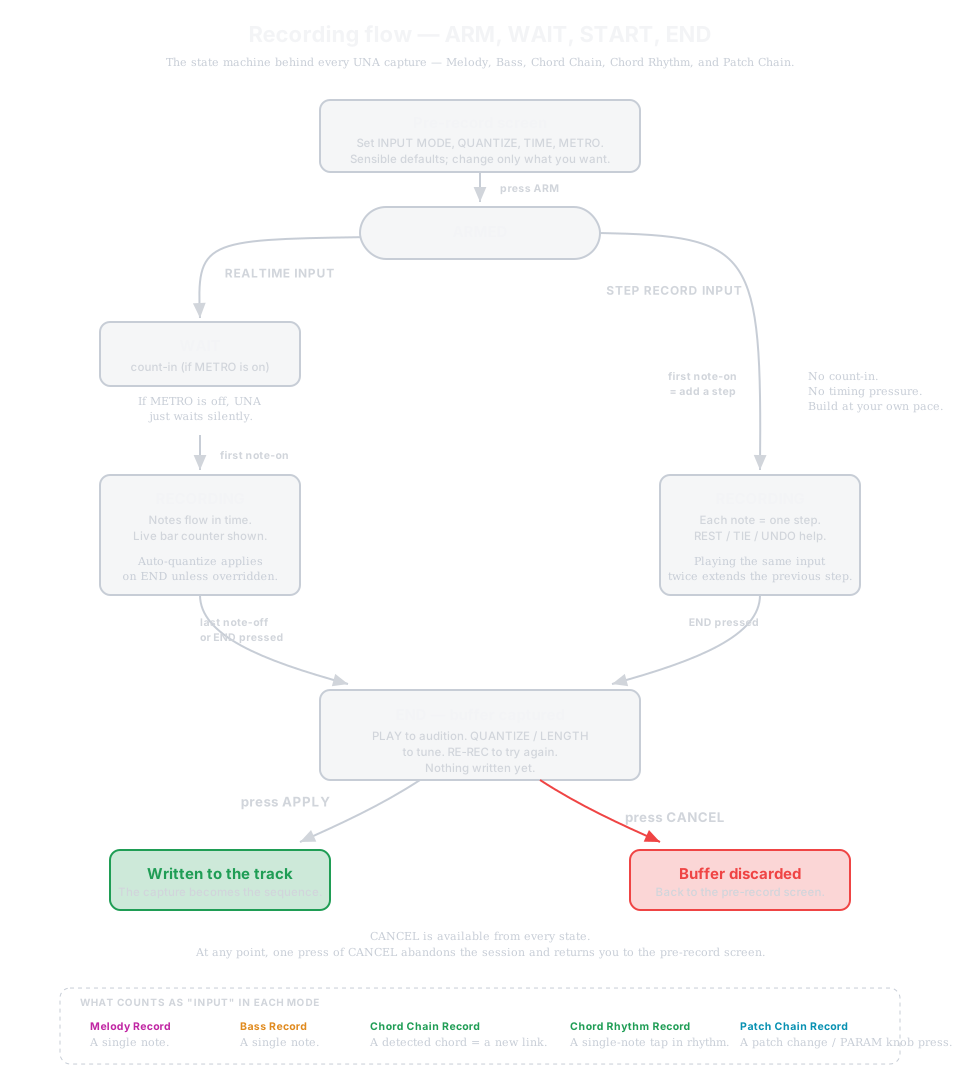
ARM → (WAIT if count-in) → RECORDING → END - buffer captured → APPLY or CANCEL. From stopped, WAIT plays the click only and the tracks come in from the top on the downbeat. Realtime input starts on your first note; Step Record adds one step per note with no timing pressure. Nothing is written until APPLY - audition with PLAY, tune QUANTIZE/LENGTH, RE-REC to try again. CANCEL is available from every state. → Manual Ch 9 · the capture sections of each track's chapter