Basic Operation

Power On
Connect the USB cable from a computer USB port or any 5v USB power supply.
Midicake ARP will flash its startup sequence and you’ll be ready to go.
When switching on for the first time Midicake ARP will have a default patch loaded.
Power Off
Press and Hold the Stop button for 2 seconds and ARP will turn off. Press any button to turn ARP on. This feature is available on ARP hardware version 1.5 only.
Start and Stop
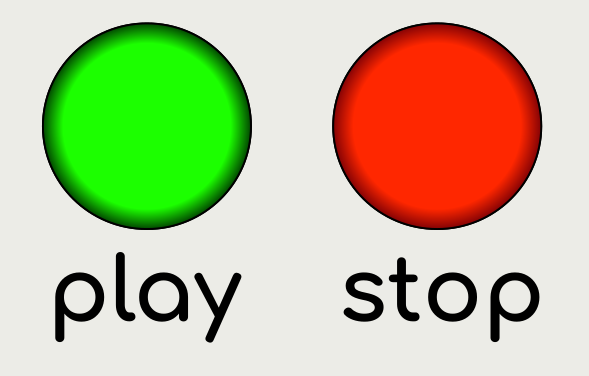
Press PLAY to start the sequence. The LED will light up to indicate the sequence is playing.
Press PLAY again to pause the sequence. This leaves all playing notes held and can be used to create a long sustain at the end of a musical phrase.
Press STOP to stop the sequence. This will play out all notes per their individual gate parameter values.
Press STOP again to immediately stop all playing notes.
Notes:
-
During Playback, a progress meter is displayed to represent the speed of playback. It is just a visual indicator, like a metronome.
-
Repeatedly pressing the STOP button will engage a panic stop. The 2nd press emits a CC120 ALL NOTES OFF message and the 3rd press emits a CC123 ALL SOUND OFF message. All sound on connected devices to cease.
Arpeggiator Controls
Pressing the TRACK SELECT 1, 2, 3, or 4 buttons will select the arpeggiator. (ARP 1 is selected by default).
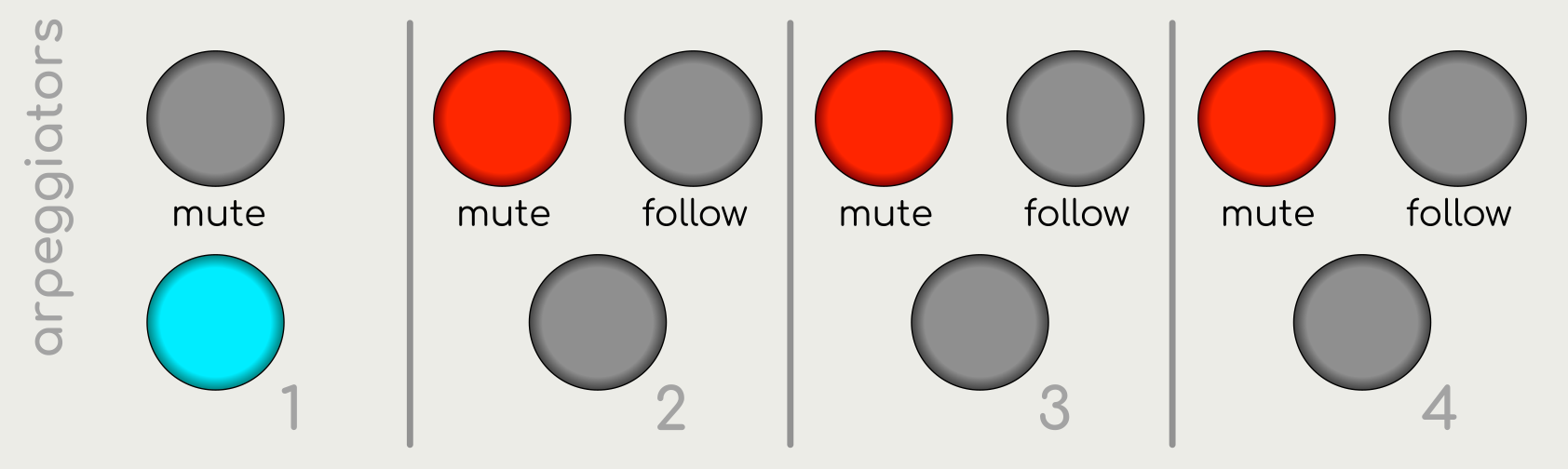
Pressing MUTE (above each arpeggiator) will mute or unmute that individual arpeggiator. The LED will light when the arpeggiator is muted.
Toggling FOLLOW (above each arpeggiator) will set that arpeggiator to follow the previous arpeggiator, thus playing the sequence associated with it and the previous arpeggiator on alternate bars. For example, selecting arpeggiator 2, 3 & 4 to follow will play all 4 arpeggiators in sequence over 4 bars, before going back to arpeggiator 1 on the 5th bar. The LED will light when the arpeggiator is set to follow.