Midicake Connect
Overview
Midicake CONNECT is a web based tool that provides access to your Midicake ARP's internal data.
You can: -
-
Save and restore ARP's patches
-
Share patch data with others
-
Visualize ARP's patches to view the effects of Chord and Parameter changes
Getting Started
1) > Using a modern internet browser such as Chrome, Firefox, or Edge, enter the following in the url:- connect.midicake.com
2) > Connect Midicake ARP to your device using the USB cable.
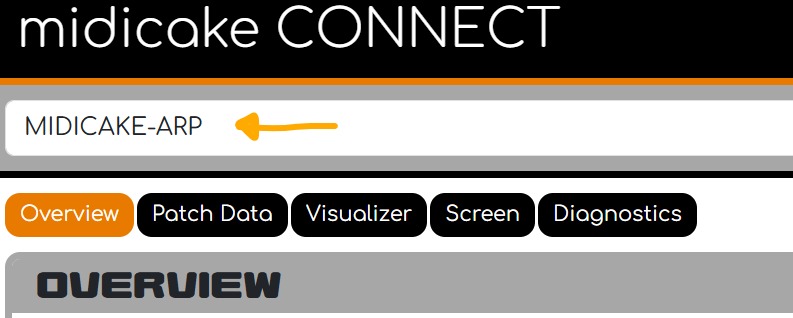
3) > Midicake ARP should appear in the list of MIDI Devices
Notes.
-
Due to the large amount of MIDI Sysex Data required to access Patch and Screen information, Connect may interrupt ARP’s MIDI output, causing timing glitches. It is recommended not to use Connect when performing/Jamming.
-
Click the User Guide button to view information on each of Connect’s features.
-
Connect will only work with Firmware v9 or later.
-
Connect does not work on the Safari browser as it does not support the WebMIDI API. Please install a modern browser that does, such as Chrome or Firefox.
-
Connect requires MIDI Output Options to include USB as an output option, without this, no MIDI data will be sent over the USB cable. See page 51
C3