Creating Sequences
In SET Mode, NOTE or CHORD buttons become PARAMETER selection buttons
Press one of the PARAMETER buttons to choose the parameter to change. The parameter type associated with each button is shown below the button.
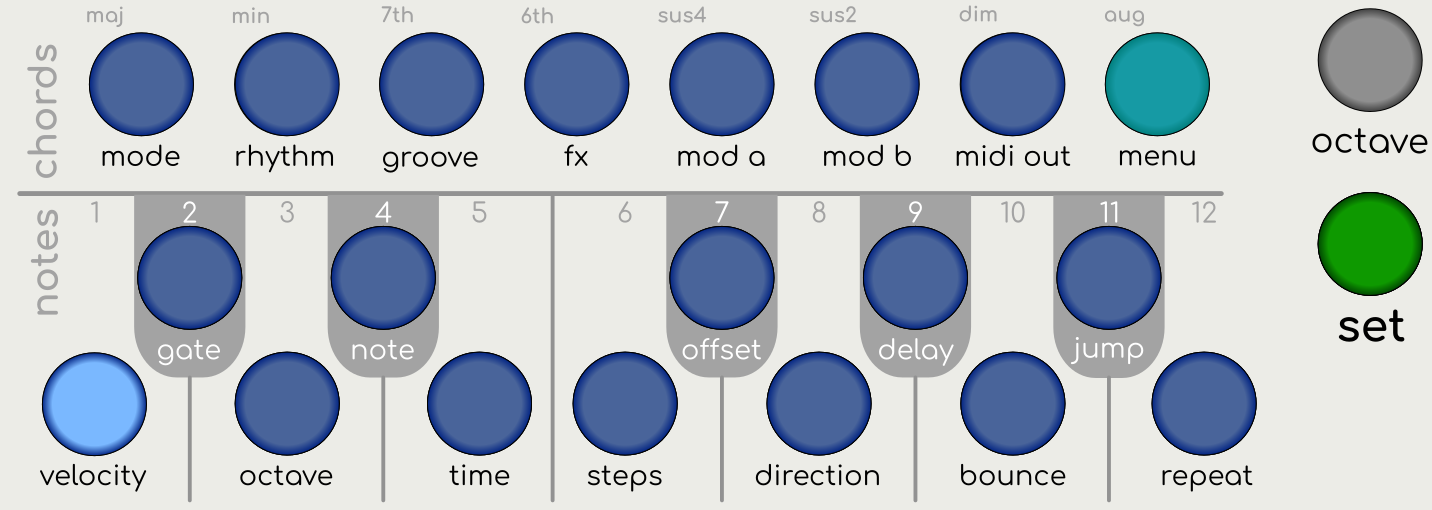
The screen will display the selected parameter and its current value. The button will light up to highlight the selected parameter.
Many of the parameters have multiple options.
-
Press the PARAMETER button repeatedly to cycle through the list of options
-
Alternatively, Hold the PARAMETER button and press UP or DOWN to move through the list of options
Additionally, you can configure the UP/DOWN buttons to select the parameter options. See Up Down Behaviour
Changing Parameter Values
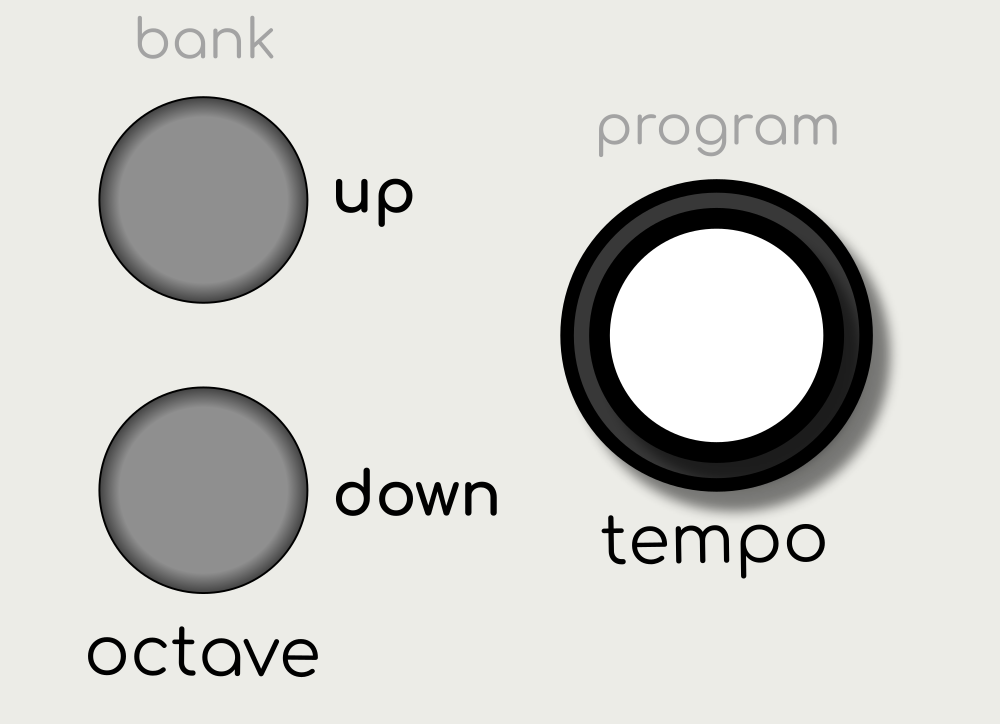
Use the UP/DOWN buttons or rotate the KNOB control to change the value.
Hold UP/DOWN to change values quickly.
Select a different parameter by pressing another NOTE or CHORD button.
To exit SET Mode and return to PLAY Mode, press the SET button again.
Selecting Arp Tracks
Pressing the TRACK SELECT 1, 2, 3, or 4 buttons will select the arpeggiator. (ARP 1 is selected by default).

Pressing an already selected TRACK SELECT will select all arpeggiators. This enables parameters to be modified across all arpeggiators at the same time.
Modifying Multiple Arpeggiators
If all arpeggiators are selected, changes to the Velocity, Gate, Octave, and Note will be relative to the original value on each arpeggiator, e.g. on increasing the velocity by 5 steps, where arp 1 is set to 100 and arp 2 is set to 90 will result in arp 1 becoming 105 and arp 2 becoming 95.
For all other parameters, changes will result in the selected value being set for all arpeggiators.