Operation Modes

PLAY Mode
By default, ARP starts in PLAY Mode.
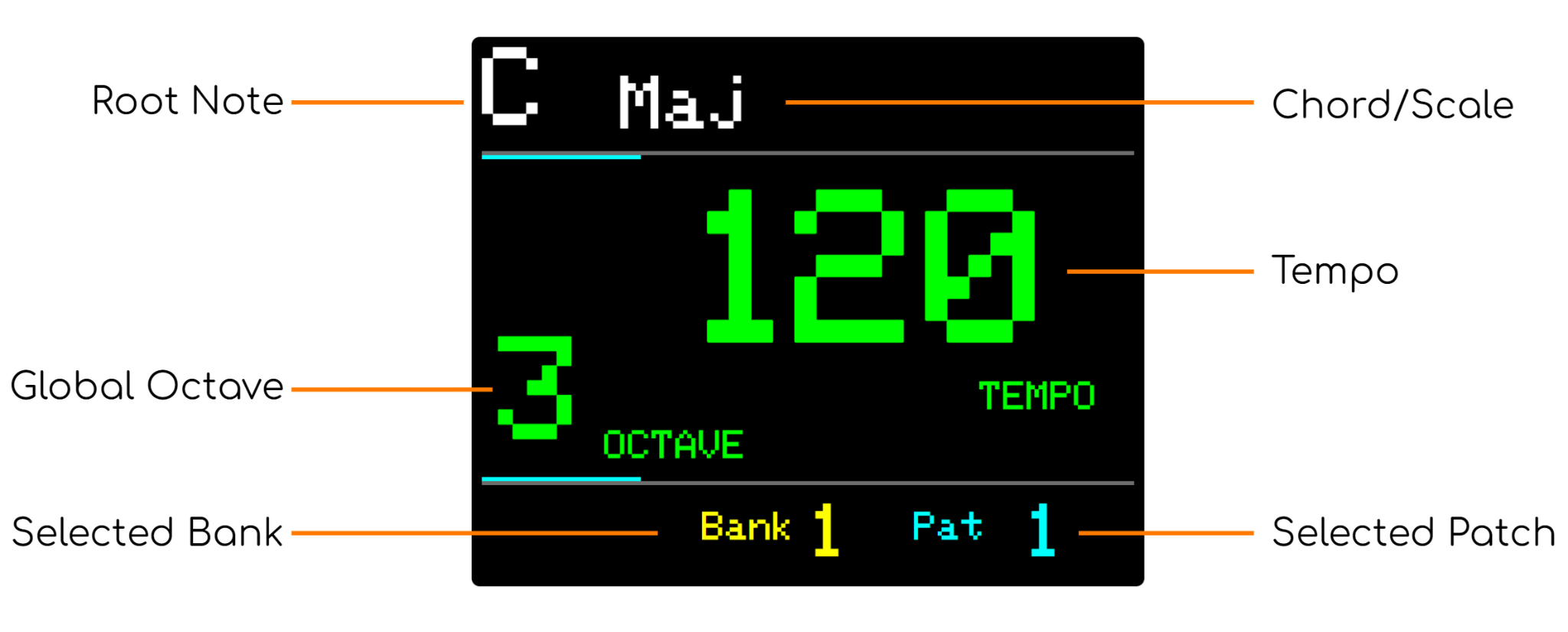
This is indicated by green NOTE buttons and the current NOTE and Chord shown on the display.
The display also shows the current Tempo and Octave and the selected Bank and Patch.
Turning the main KNOB control will alter the current tempo (if not synced with an external midi clock).
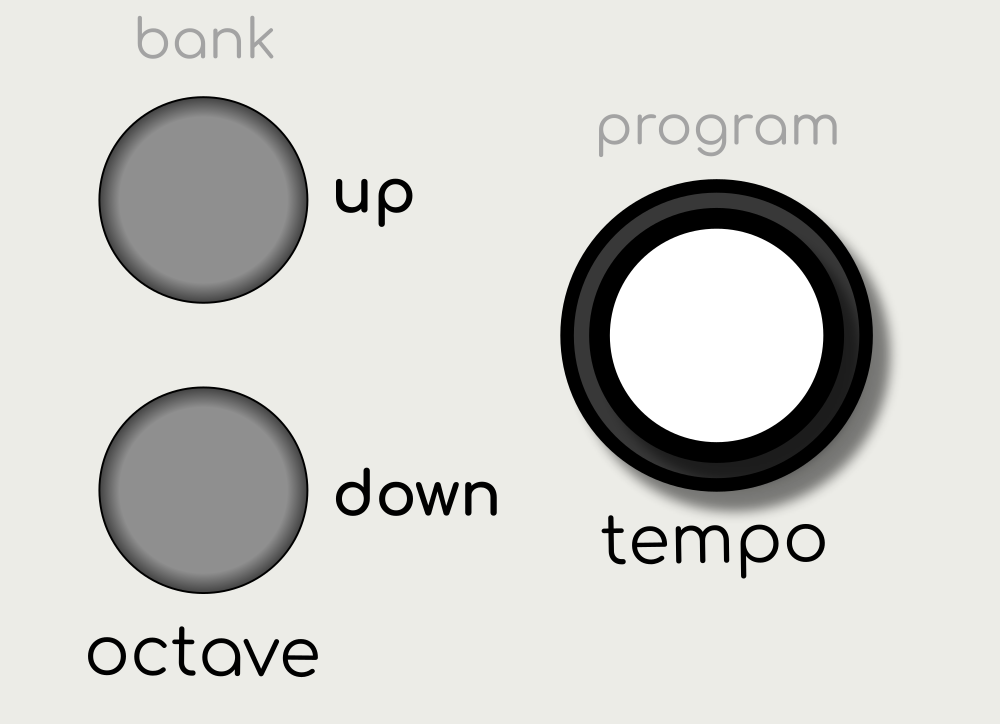
Pressing the up or down buttons will increase or decrease the current octave of all arpeggiators.
Live Play
When in PLAY Mode, if the sequence is not playing, pressing down on any NOTE button will play all arpeggiator sequences.
This can be disabled in the menu. See: Live Play on Note Input
SET Mode
The current sequence can be modified at any time (even while playing) by entering SET Mode.
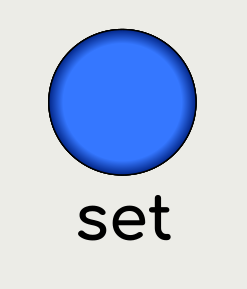
Press the SET button to enter SET Mode.
(In PLAY Mode, the SET Button is indicated in blue. When pressed, ARP enters SET Mode and the button turns green, to highlight the way back to PLAY Mode.).
SET Mode Display
The screen will display the current parameter name and value.
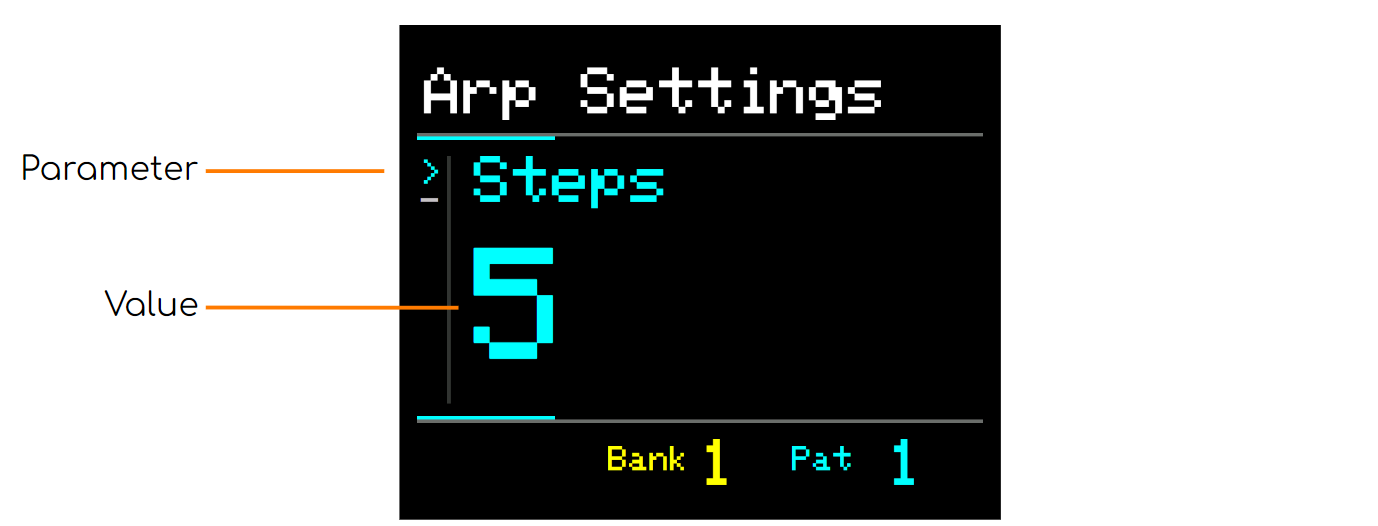
For more information about working in SET Mode, see Creating Sequences
Press the SET button again to return to PLAY Mode.