Patches and Banks
Patches offer a way to build a collection of different sequences that you can switch between during a performance.
ARP offers 192 patches. These are stored in 16 banks, each having 12 patches. The 12 correspond to the 12 NOTE buttons.
While in PLAY Mode, use the LOAD button to quickly restore the sequences you create.
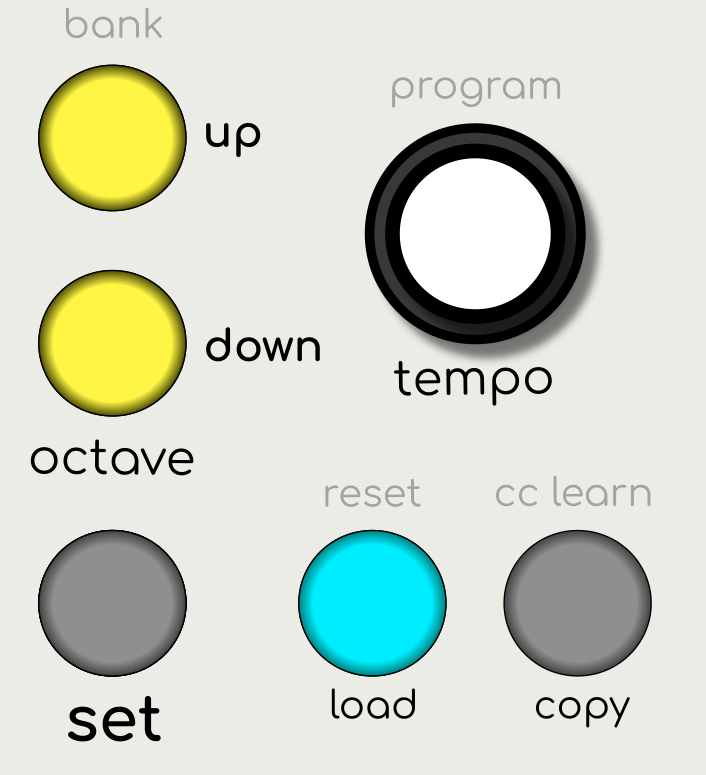
To recall a patch…
-
Press the LOAD button
-
Use the UP and DOWN buttons to select the bank
-
Then press the NOTE button that corresponds to the patch you wish to load
To cancel the operation, simply press the LOAD button again without selecting a patch.
Synchronization
When loading a patch during playback, the patch will change on the bar to keep everything in sync. When this occurs a “LOADING...” message will be displayed. The bar progress indicator will also change colour to highlight the pending change.
External Control
Banks and Patches can also be changed using MIDI Program Change messages from an external hardware or software sequencer. See MIDI Automation
Copying Patches
To duplicate a patch, press the COPY button and then press one of the 12 NOTE buttons to store the sequence against that note. Note that the existing patch on that note button will be overwritten with a duplicate of the current patch.
This operation is useful in creating multiple related patches to create compositions.
Default Patches
ARP is pre-loaded with 12 default patches on each bank. These examples show how parameters can affect the sequence. (see Appendix i)
Resetting Patches
ARP has several options to reset the current patch to an earlier or default state.
Hold the RESET button. The Patch Menu appears on screen and there are 3 options available.
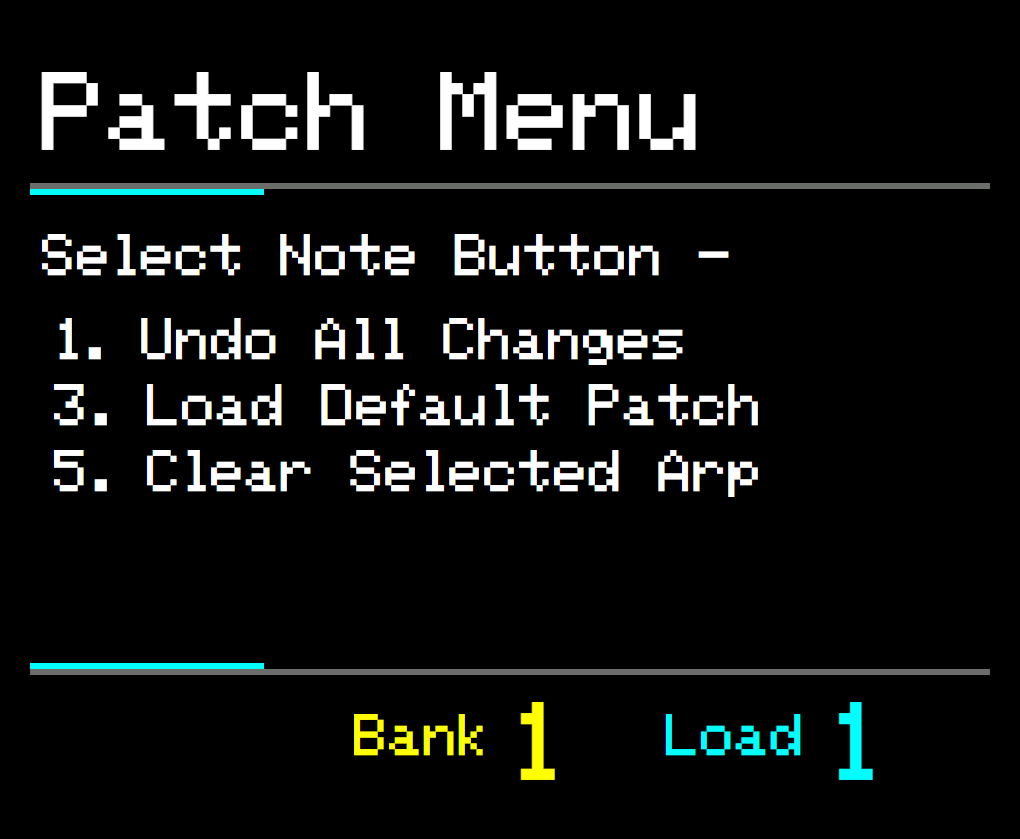
Press RESET to exit the Patch Menu
Undo All Changes
Press the NOTE 1 button to return your patch to the state when the patch was first loaded.
Every time you start ARP or load a new patch, a snapshot of the current patch state is stored temporarily. This allows you to roll back any changes you’ve made to your sequences.
Load Default Patch
Press the NOTE 3 button to return the current patch to the factory default patch.
The sequences on all 4 arpeggiator tracks will be lost. Although you can still Undo All Changes to return to the state when the patch was first loaded.
Clear Selected Track
Press the NOTE 5 button to set the currently selected arpeggiator track to a simple basic sequence.
Use the TRACK SELECT buttons (1,2,3, or 4) to select the arp track you wish to clear.
This provides a blank canvas on which to start creating your sequence.