Chords and Scales
One of ARP’s key features is its ability to synchronize the scale that all 4 arpeggiators are playing. Keeping everything in harmony. It does so by using a Global Scale.
This scale defines the notes that are available to the arpeggiators sequences. Change the scale and all 4 arpeggiators update to match.
There are 2 ways to set the global scale:
-
Internal Note Sync - Using ARP’s chord and note buttons
-
External Note Sync - Using a MIDI Controller/Keyboard to send note data to ARP

Internal Note Sync
Notes
There are 12 NOTE buttons representing musical notes C through to B. Like a single octave on a piano.
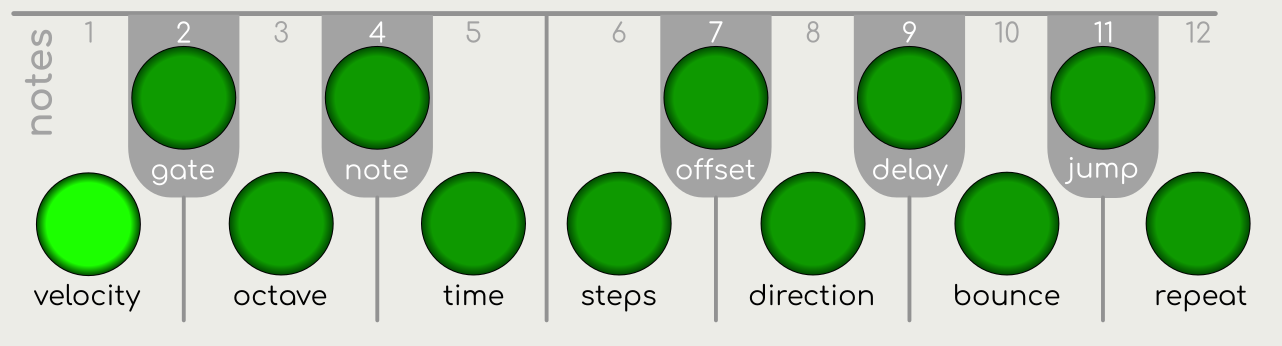
Pressing a NOTE button will change all arpeggiators to play with the selected note as the root note.
b Chords
Chords are used to define the scale notes available to the arpeggiator sequence.
There are 8 CHORD buttons that (by default) represent 8 common chord types:
-
Major, Minor, 7th, 6th, Suspended (Sus4), Suspended 2, Diminished, Augmented
Chord 1 (Major) is selected by default.

Pressing a CHORD button will select that chord type but it will not change the current playing sequence. It will only affect the chord that plays the next time a NOTE button is pressed.
For example, if C major is currently playing and you wish to change to E Minor, press the “min” CHORD button then press the E NOTE button. As the button is pressed the note and chord will change.
In this way, you are free to create any chord progression you like.
Alternative Chords and Scales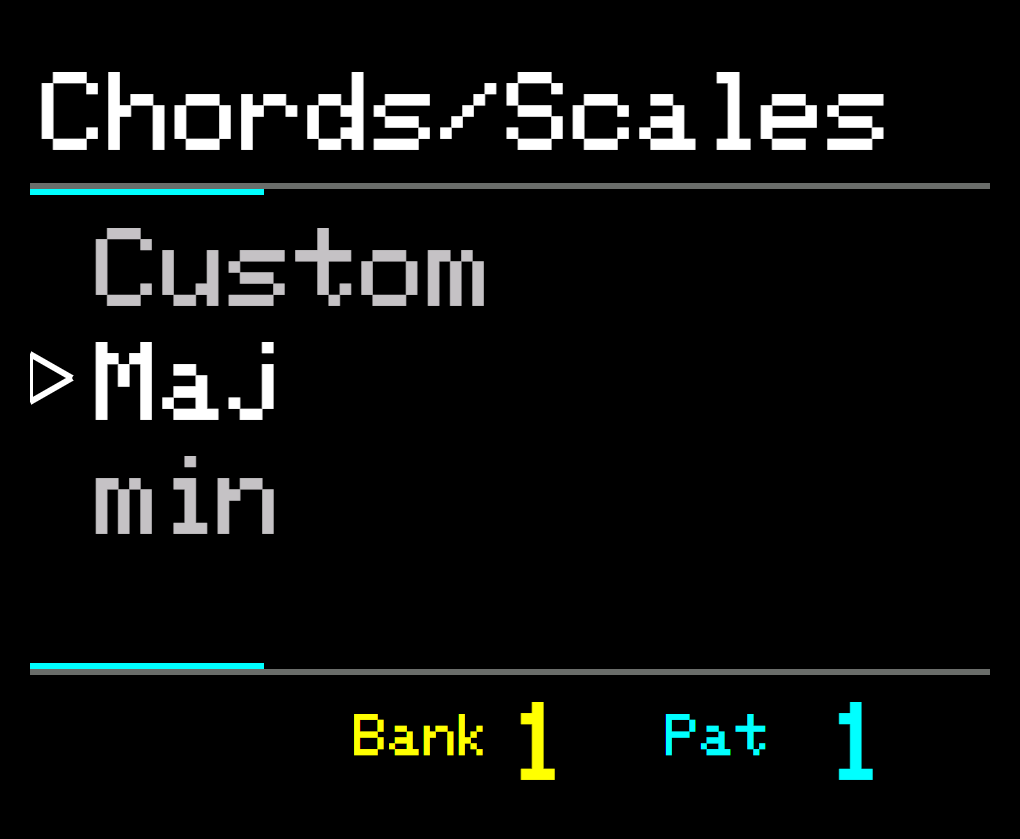 

You may assign an alternative chord or scale to a CHORD button by selecting from a predefined list.
Press and hold a CHORD button and use the UP and DOWN buttons or the main KNOB control to cycle through the available chords and scales. The notes that make up that chord/scale will be highlighted on the NOTE buttons.
Release the button and the selected chord or scale will be assigned.
To reset to the default chord, press and hold the CHORD button and press the LOAD/RESET button.
See the full list of ARP’s Chords and Scales
Custom Chords and Scales
ARP enables you to create your own chords or scales by overriding the 8 default chords.
Hold down one of the CHORD buttons; the notes that make up that chord will be highlighted on the NOTE buttons.
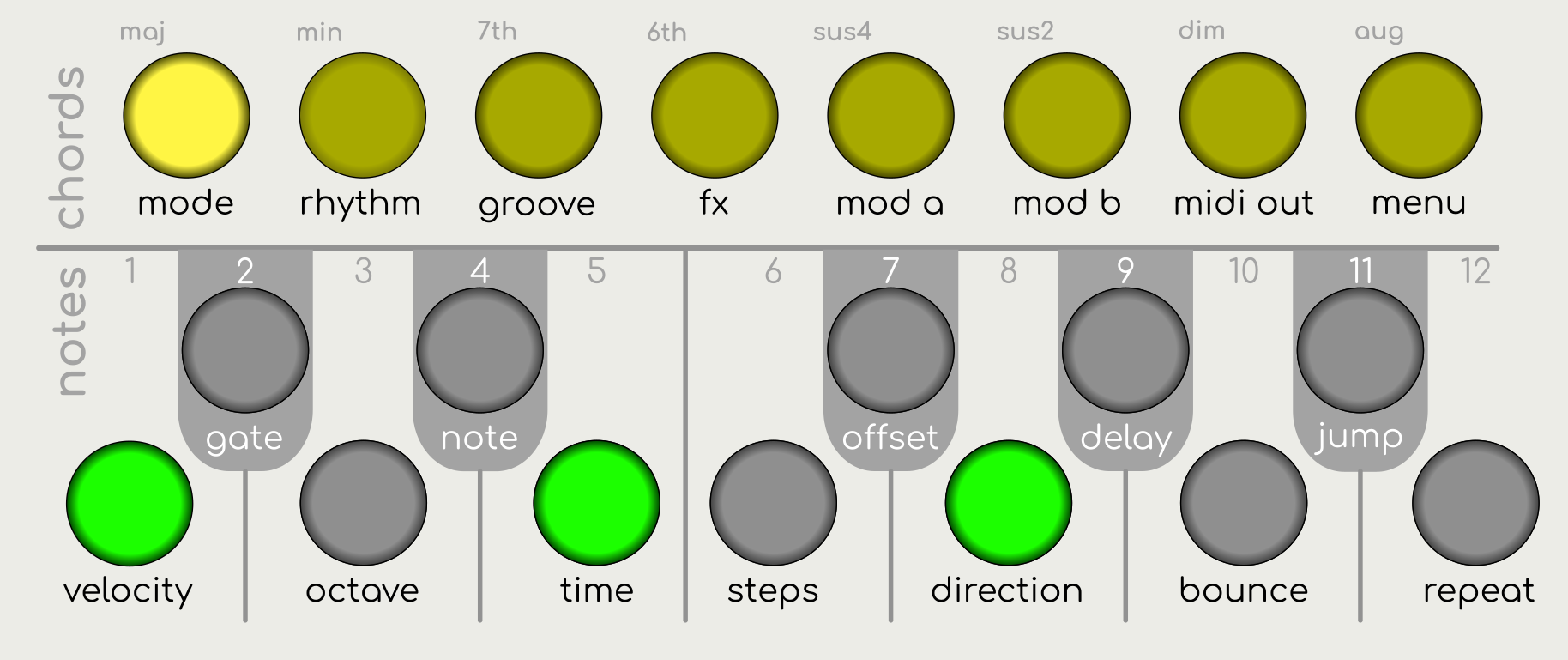
Still holding the CHORD button, press any of the NOTE buttons to toggle that note on or off. You may add up to 12 notes to form your custom chord, scale or just set of notes.
Important Note: All chords are represented with the root note of C, regardless of the currently selected note. Please bear this in mind when editing.
Release the CHORD button when done. The new chord/scale will be shown as “CUSTOM X” in the display (where X is the chord number from 1 to 8).
Note: You can change the notes in a custom chord or scale during playback.
To reset the custom chord or scale back to its default chord, press and hold the CHORD button and press the LOAD/RESET button.