Binary Patterns
Overview
The Velocity, Delay, Chop and Ratchet parameters all have a powerful sequencing feature called Binary Patterns.
This allows you to apply the parameter value only on specific steps, to create complex rhythmic sequences.
There are 255 possible patterns, based on a binary counter, and can be set to between 1 and 8 steps in length.
Each step in the pattern either enables or disables the parameter value. Think of it as OFF being 0 and ON being the current parameter value.
For Example. Given the following sequence:

A Pattern Number of 20 and Pattern Length of 8:

Would produce the following sequence:

There are examples of how to make creative use of Binary Patterns in Appendix VII - Creative Ideas for Binary Patterns.

Configuring Binary patterns
-
In SET Mode, select either Velocity, Delay, Chop or Ratchet parameters using the buttons.
-
Press PROGRAM
-
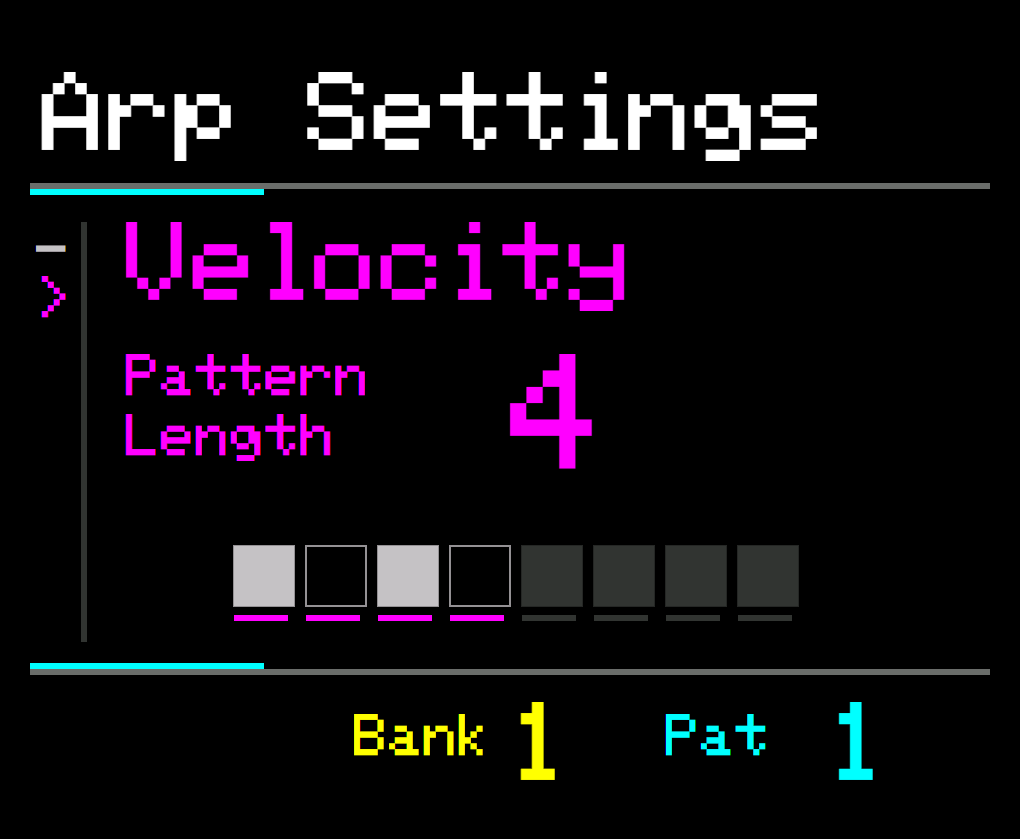
The Pattern Length parameter will be highlighted
-
Use the UP/DOWN buttons or rotate the KNOB control to adjust the length
-
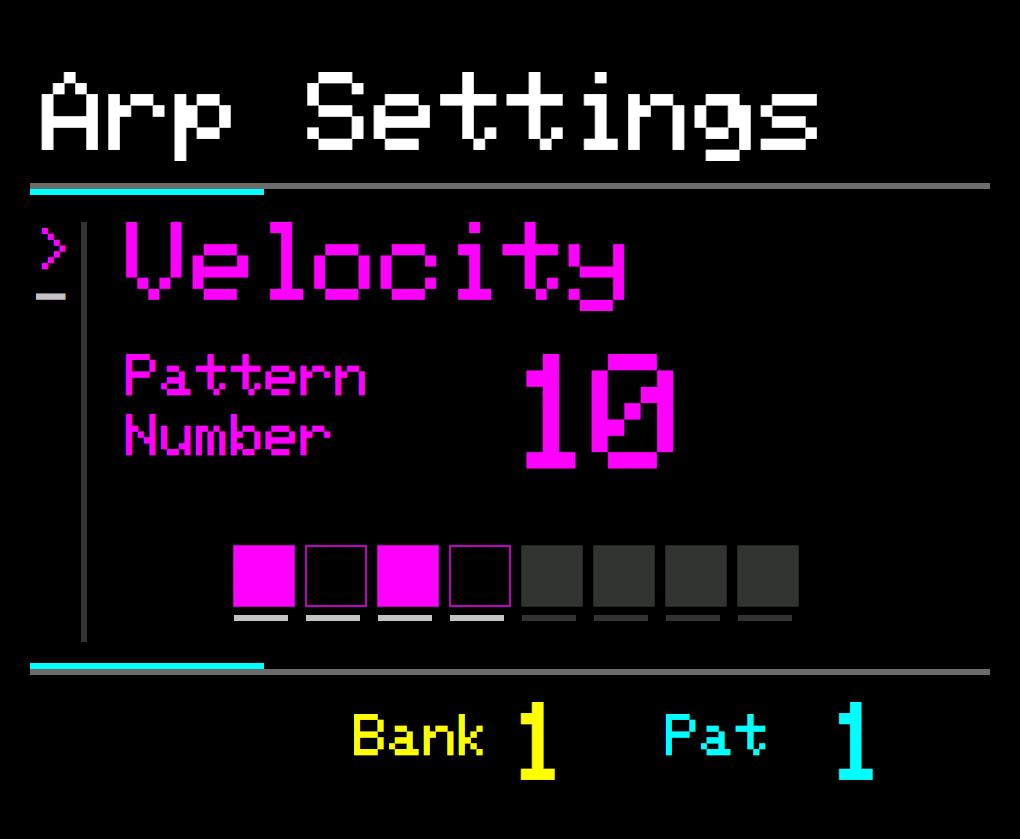
Press the parameter button again to select Pattern Number
-
Again, use the UP/DOWN buttons or rotate the KNOB control to adjust the number.
-
When finished, press PROGRAM to return to the original parameter
There are 255 possible patterns so it can take some time to go through them all.
Press and hold the UP or DOWN buttons to scroll through the Pattern Numbers quickly.
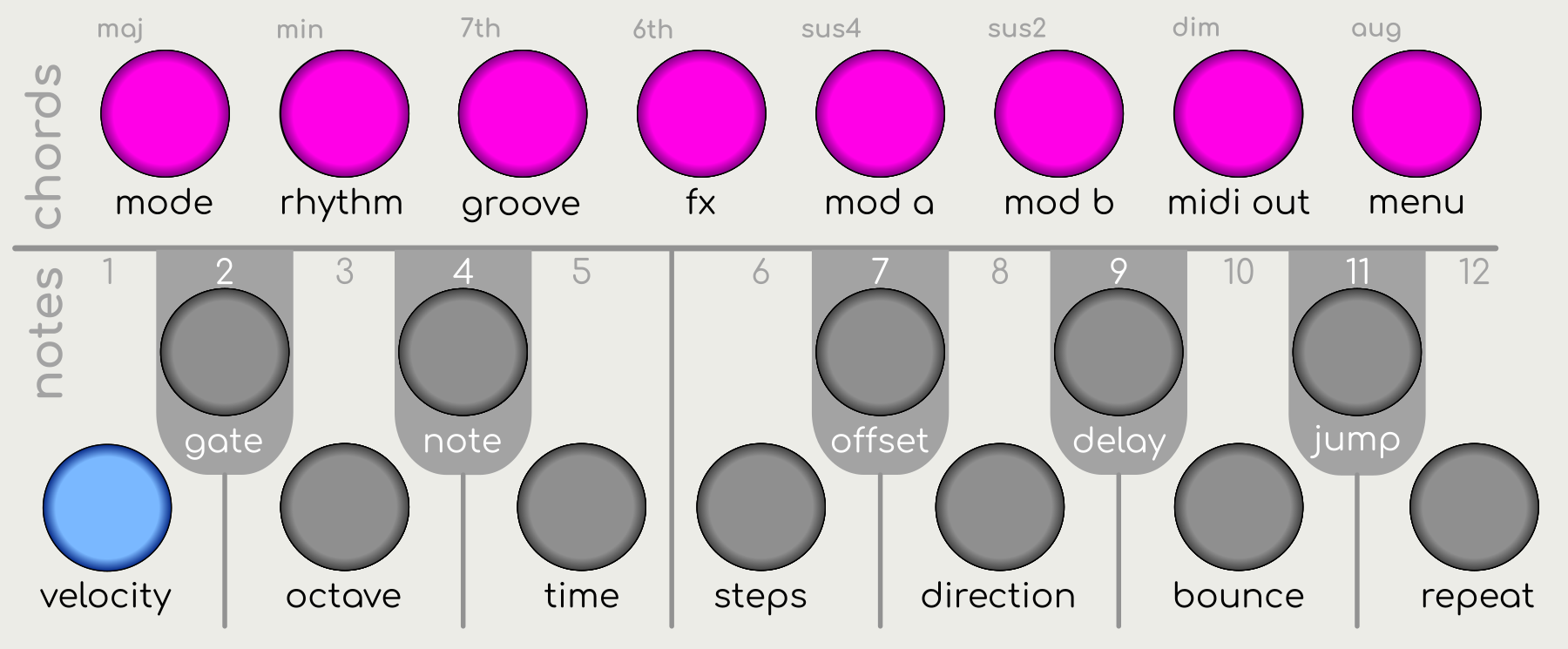
You can also use the 8 CHORD buttons to edit the pattern.
Pressing a chord button will toggle the corresponding step of the pattern and update the pattern number.

Modulating Binary Patterns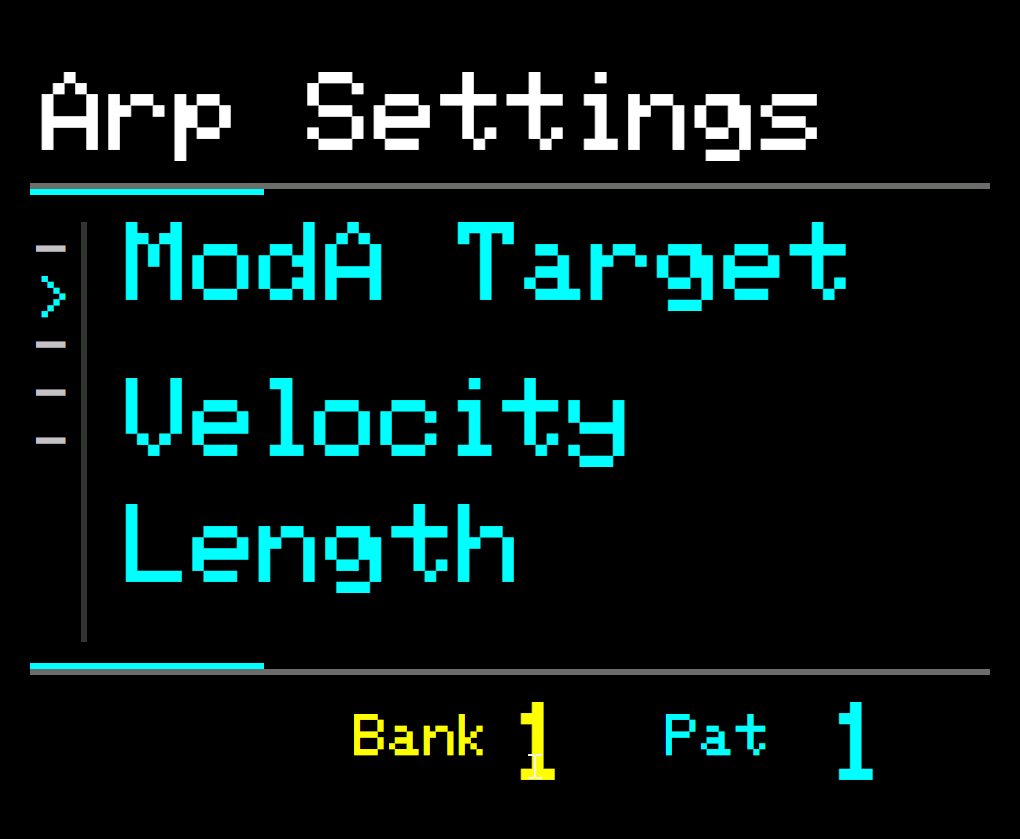 

It is worth knowing that you can modulate both the Pattern Number and Pattern Length parameters for Velocity, Delay, Chop and Ratchet.
See Modulation.
In SET Mode, select Mod A Target or Mod B Target and choose the desired parameter.